Plans
Plans for your schedule.
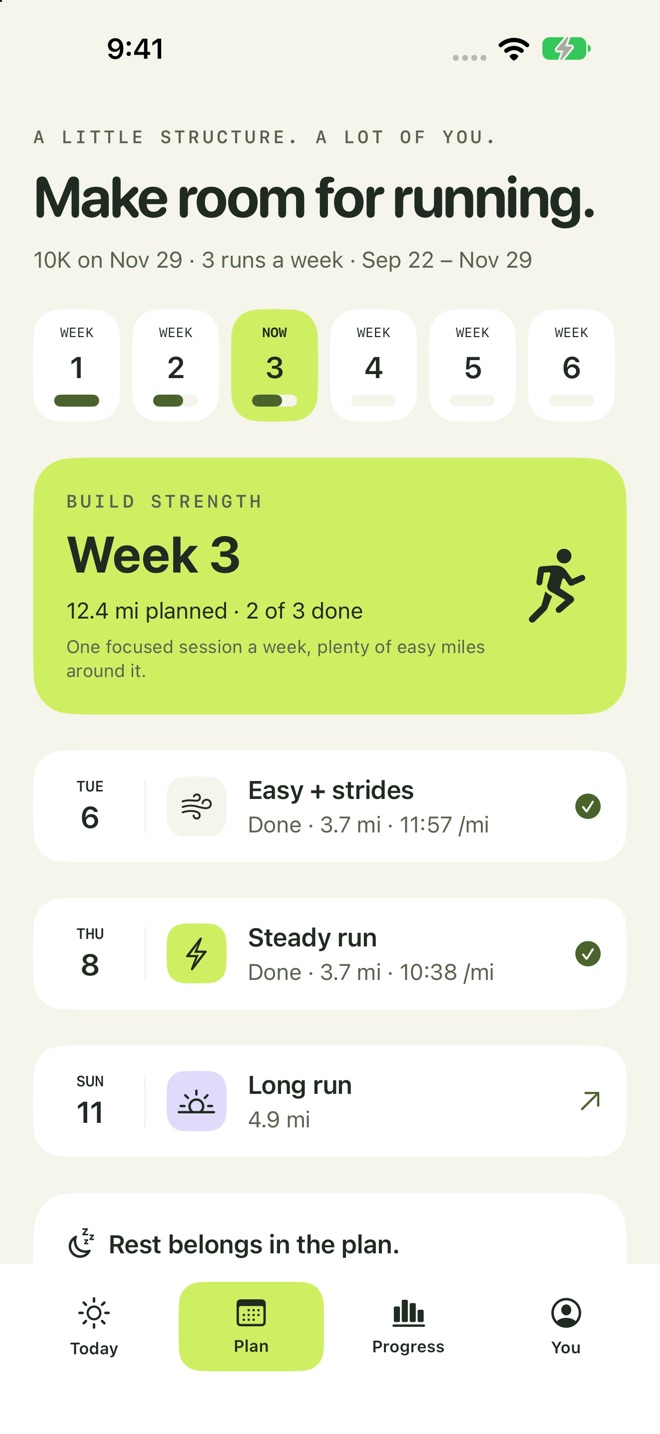
Choose your running days and a goal. Add a race date and the plan builds week by week, then eases off before race day.
 BirdRunner
Pick your running days and a goal. BirdRunner builds the plan and talks you through each session with voice cues. For iPhone and iPad.
Coming soonto the App Store

Guided runs
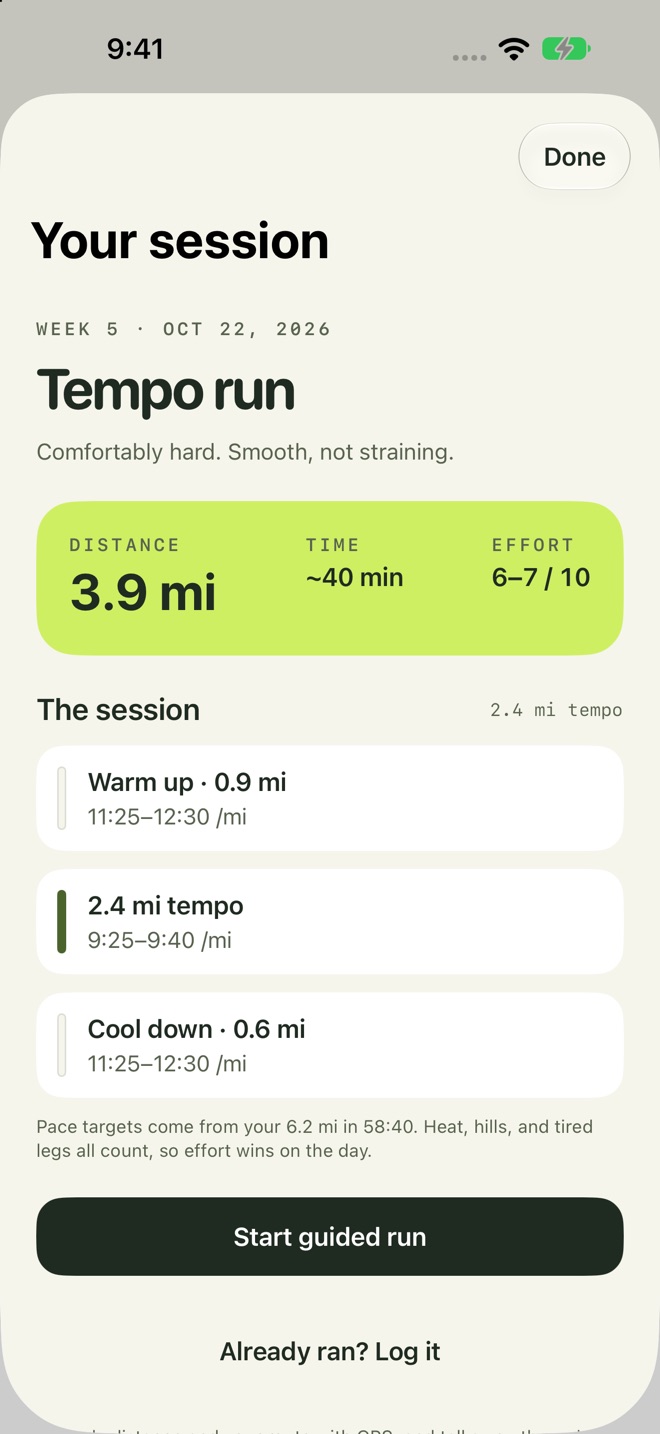
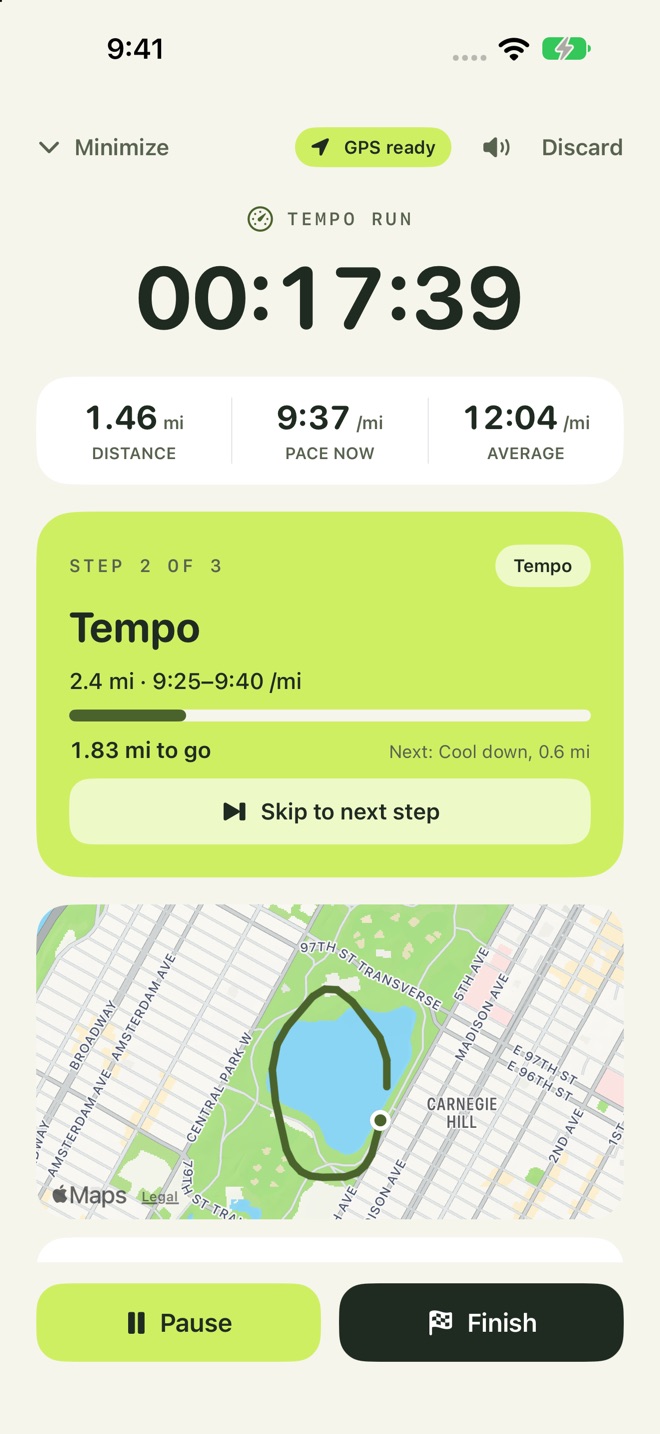
The timer steps through warm up, reps, and cool down, and reads your target pace aloud. Your music gets quieter while a cue plays.
Plans
Choose your running days and a goal. Add a race date and the plan builds week by week, then eases off before race day.
Progress
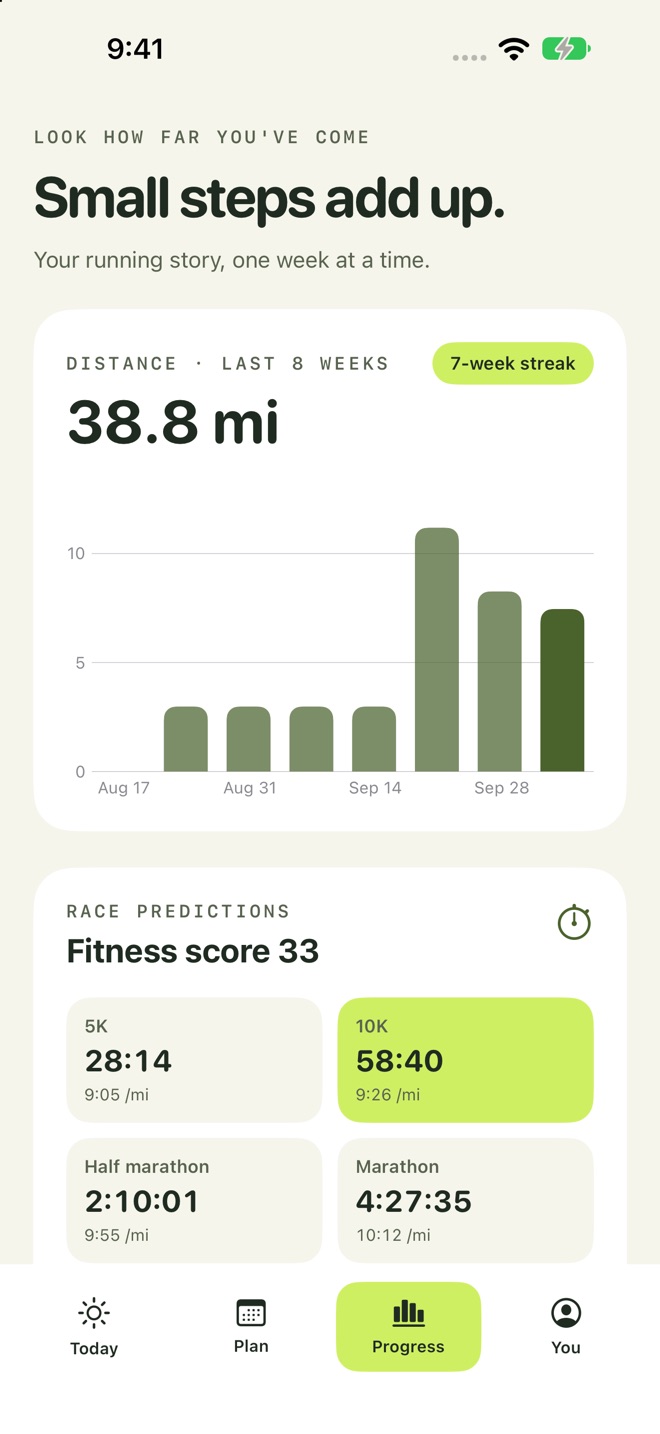
Weekly distance, streaks, best efforts, race-time estimates, and a journal of every run.
Paces
Training paces from a recent race or your quickest recent runs.
Apple Health
Import runs from Apple Watch and other apps that save workouts to Apple Health. BirdRunner only reads them.
Adjustments
After a missed week or a few tired runs, BirdRunner suggests easing back. Nothing changes until you tap Adjust.
Shoes
Add your shoes, pick a pair when you log a run, and watch the distance add up toward the limit you set.
Reminders
Optional reminders on the days you planned to run. Off until you turn them on.
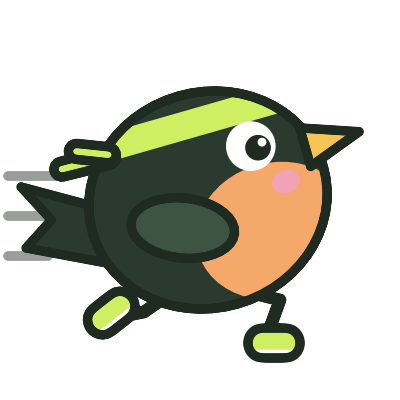
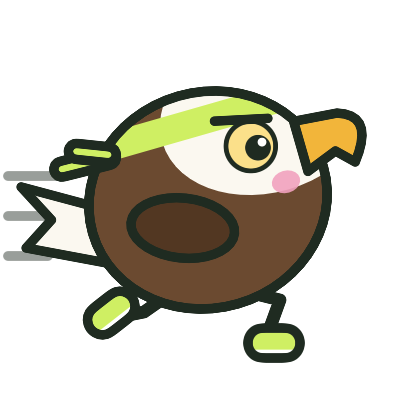
Choose the bird that appears around the app, an accent color, and light or dark mode.
A sidebar layout with the same plan and run journal.

BirdRunner has no account and no server that stores your data. Export your journal as a spreadsheet or erase it whenever you like.
Train safely. BirdRunner gives general training guidance. It isn't medical advice and doesn't diagnose or treat any condition. Check with a doctor before starting a new training plan, especially if you have a health condition or injury, or are pregnant. Stop and get help if you feel chest pain, dizziness, or unusual shortness of breath. Stay aware of traffic and your surroundings, and keep your eyes off the screen while you run.